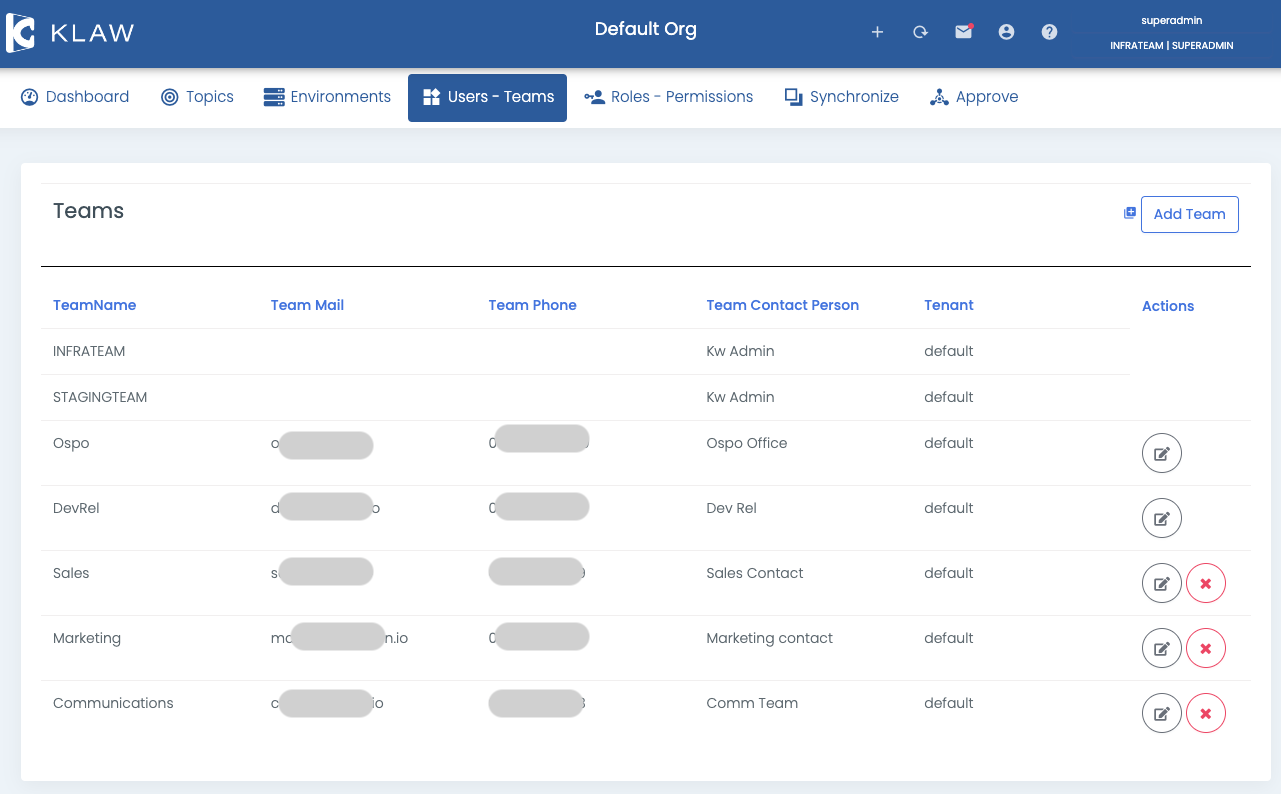
Manage teams
In Klaw, teams are a collection of users who are responsible for managing and owning specific Apache Kafka® topics.
Prerequisite
To manage teams in Klaw, including adding, deleting, or updating you
need to log in using a SUPERADMIN account or an account with the
ADD_EDIT_DELETE_TEAMS permission.
Add team
To create a new team, follow these steps:
- Log in to Klaw.
- Navigate to the Users - Teams tab and select Teams.
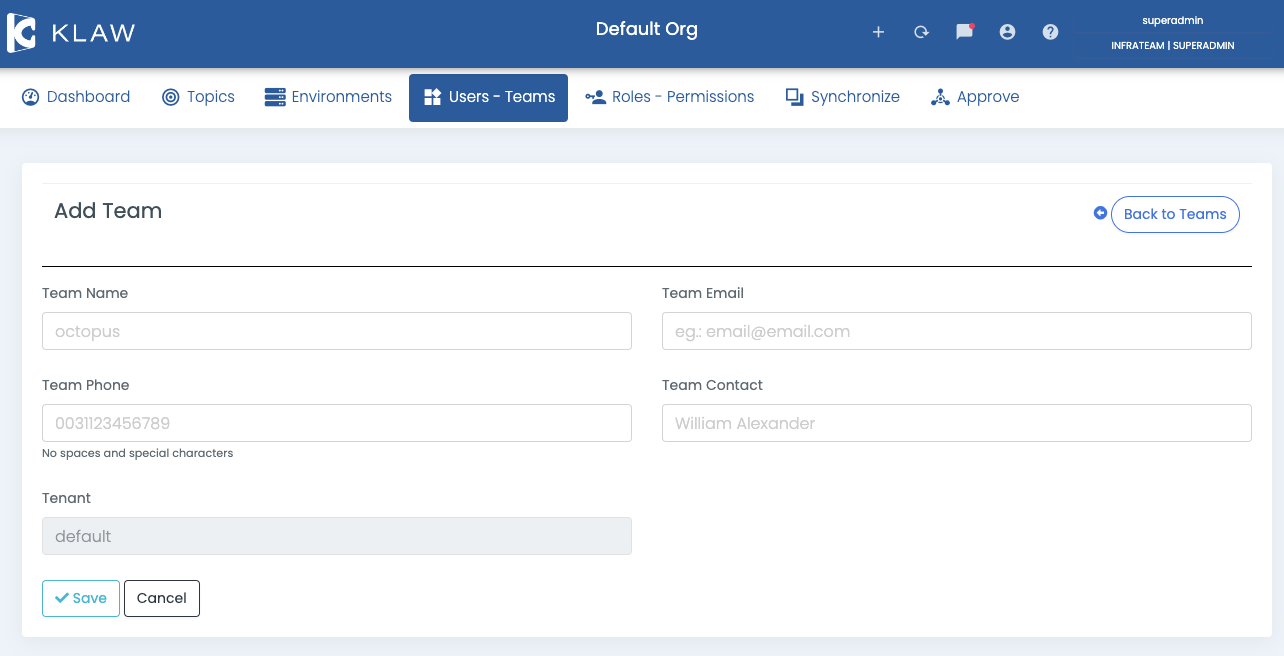
- Select Add team and provide the necessary details in the Add team screen.
- Select Save to save the information and create the new team successfully.
Update team
To update an existing team, follow these steps:
- Log in to Klaw.
- Navigate to the Users - Teams tab and select Teams.
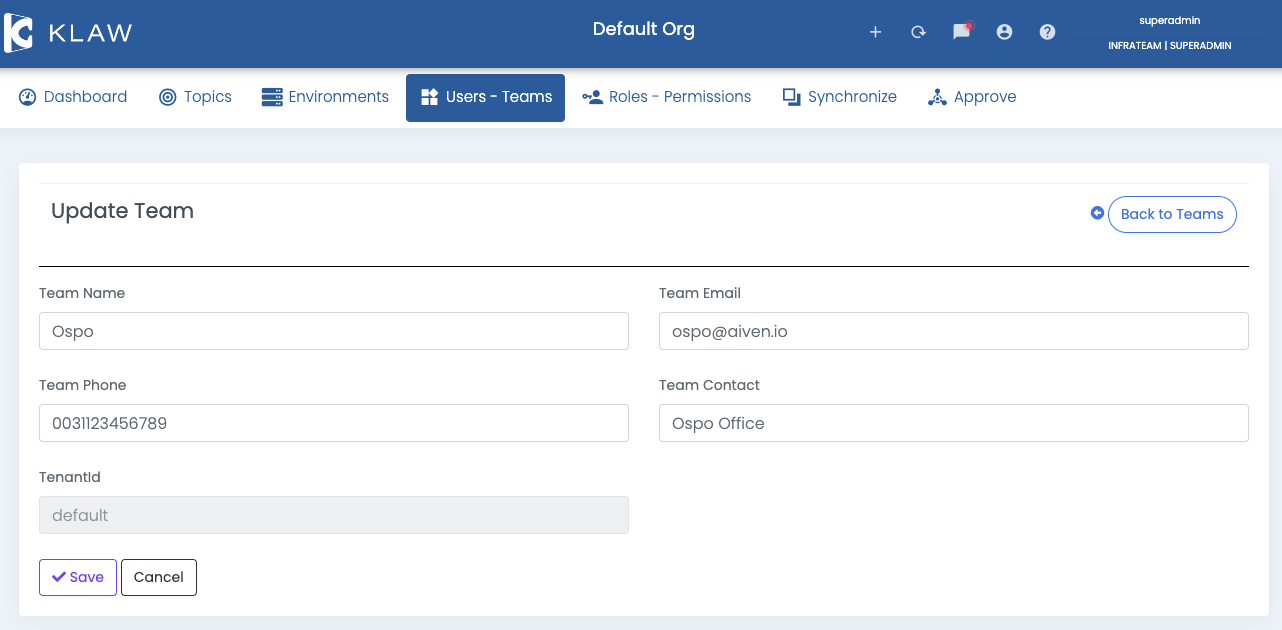
- Find the team you want to update and select the Edit/modify icon next to it.
- Modify the necessary details.
- Click Save to apply your changes.
Delete team
To delete an existing team, follow these steps:
-
Log in to Klaw.
-
Navigate to the Users - Teams tab and select Teams.
-
Find the team you want to delete and select the delete icon next to it.
noteA team can only be deleted if there are no associated requests for that team.
-
On the confirmation screen, select delete to confirm the deletion of the team. The selected team is deleted.