Manage users
Klaw stores user information in its metadata. The method of authentication may vary depending on the configuration. Each user is associated with a team and a role, and if the Switch teams flag is enabled, they can switch between multiple teams.
User signup
To sign up for a user account in Klaw, you can access the option on the homepage.
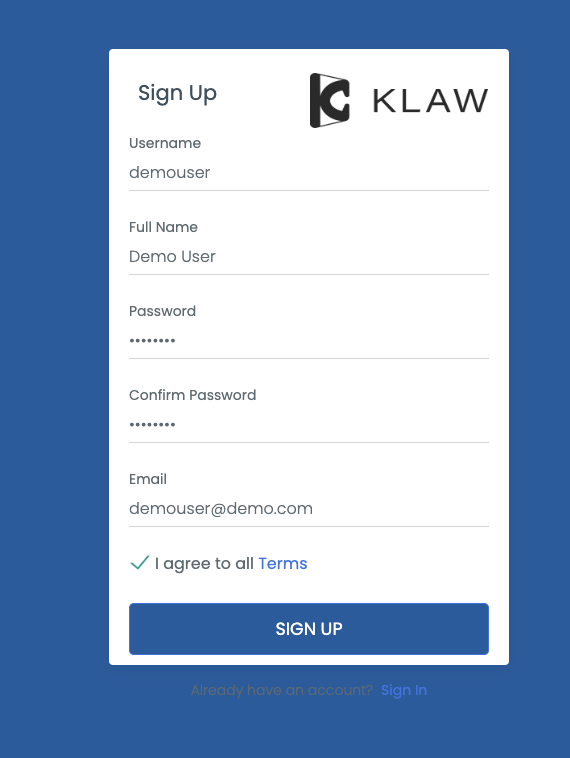
To complete the sign-up process, follow these steps:
- Fill out all the required fields.
- Submit your information.
- After submitting your information, a request will be created for the administrators to approve.
- Once approved, you will be assigned to the STAGING TEAM, which can be changed later.
Profile update
After logging in, you can update your profile information, including your email address and name, from the My Profile menu.
Change password
You can change your password from the Change Password menu.
Update other users
Administrators who have been granted the ADD_EDIT_DELETE_USERS
permission can modify the attributes of other users, including their
team, role, name, email address, and ability to switch teams.